Workflow & Planning
Video2Source
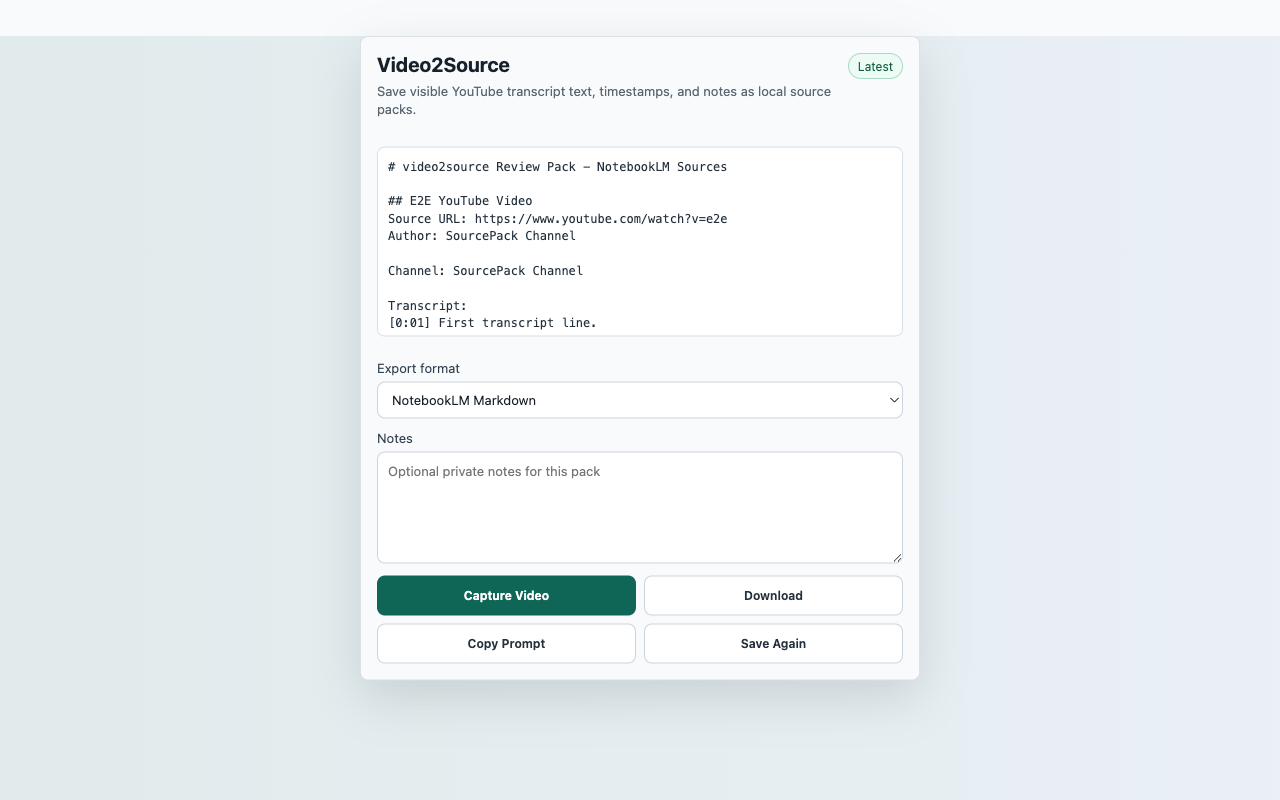
Turn a visible YouTube transcript into Markdown, NotebookLM-style notes, SourcePack JSON, or a CSV source index after a user click.
InputCurrent YouTube video page
ActionCapture Video
FilesMarkdown, NotebookLM-style Markdown, JSON SourcePack, CSV
PermissionactiveTab, storage, contextMenus, downloads, scripting; no persistent host permissions
StorageRecent captures in chrome.storage.local
ReviewerOpen reproducible guide
Captured content stays local unless the user downloads an export.
Core flow
Capture Video to local export
- Open a YouTube video and show the transcript when YouTube has not rendered it yet.
- Click the extension action, then choose Capture Video.
- Review title, channel, URL, transcript segment count, and optional notes.
- Download Markdown, NotebookLM-style Markdown, SourcePack JSON, or CSV.
Capture surfaceCurrent YouTube video page
Suggested smoke targetSuggested smoke target: any public YouTube video where the transcript panel is visible. If no transcript is available, verify the explicit transcript-unavailable export state.
Primary actionCapture Video
ExportsMarkdown, NotebookLM-style Markdown, JSON SourcePack, CSV
StorageRecent captures in chrome.storage.local
PermissionsactiveTab, storage, contextMenus, downloads, scripting; no persistent host permissions
Scope
What ships in this build
Included
- Captures visible transcript segments with timestamps when available.
- Includes video title, channel, URL, visible chapter text, and user notes.
- Does not redirect users after capture or require a NotebookLM account.
- Requests no persistent YouTube or all-sites host permission.
Limits
- If YouTube does not provide visible transcript text, the export says the transcript is unavailable.
- Private, age-gated, region-blocked, or restricted videos may not expose transcript content.
- Video2Source is not affiliated with YouTube, Google, or NotebookLM.